Language
Set up language preferences to display messages for both customers and cashiers on the POS and printed receipts, allowing users from different linguistic backgrounds to interact in their preferred language. This is a global setting for languages, allowing you to define the default language and additional languages supported by NVL.
-
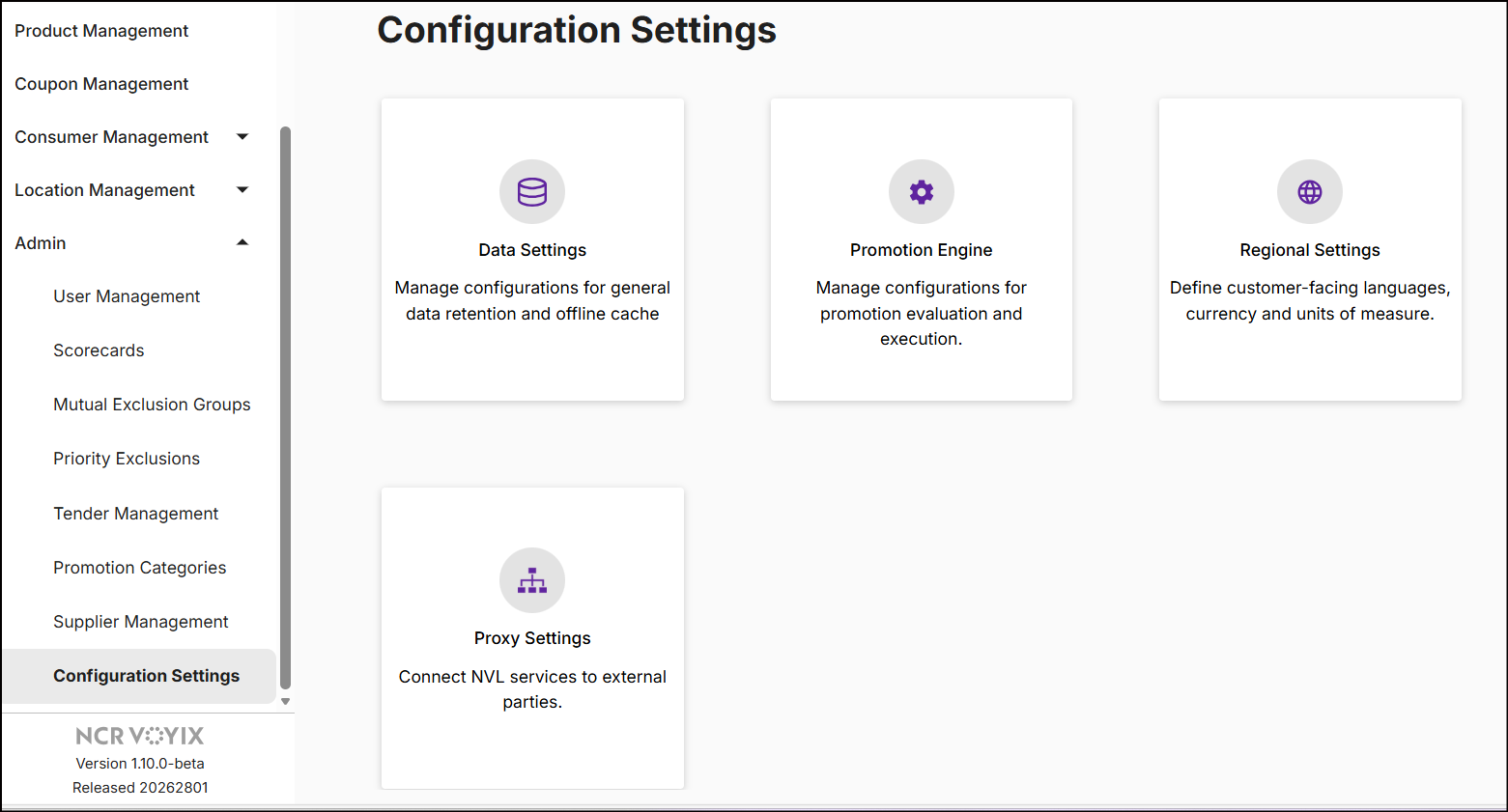
On the left navigation panel, expand Admin and click Configuration Settings.
-
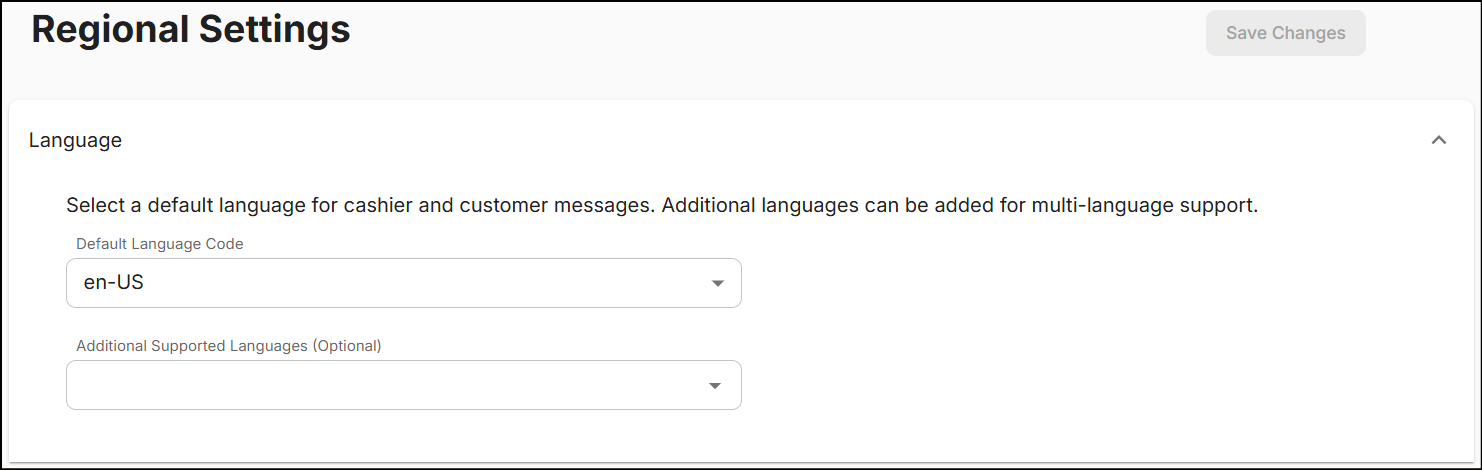
Click Regional Settings and expand the Language drop-down to access individual drop-down menus for both default and additional languages.
-
The Default Language Code is set to 'en-us'. To change it, select a language from the drop-down.
The table below shows the standard language codes supported in NVL:
Code Language en-US English (United States) es-US Spanish (United States) fr-CA French (Canada) ja-JP Japanese (Japan) pl-PL Polish (Poland) -
The Additional Supported Language (Optional) setting allows you to select multiple languages except the one selected as the default. This ensures that cashier-facing and customer-facing messages can be displayed in additional languages.
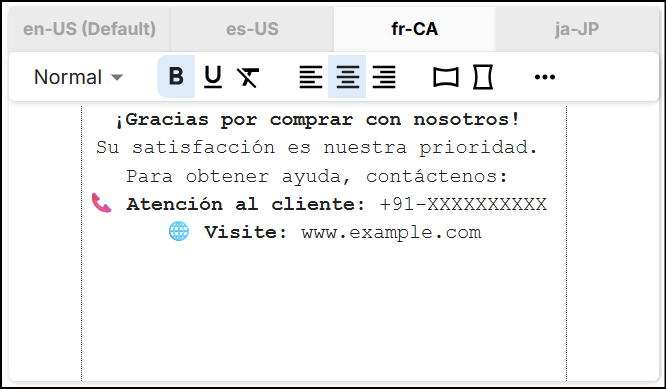
The following example shows how the default and additional supported languages configured in Regional Settings appear in a Printed Message reward.
Default Language Additional Supported Language 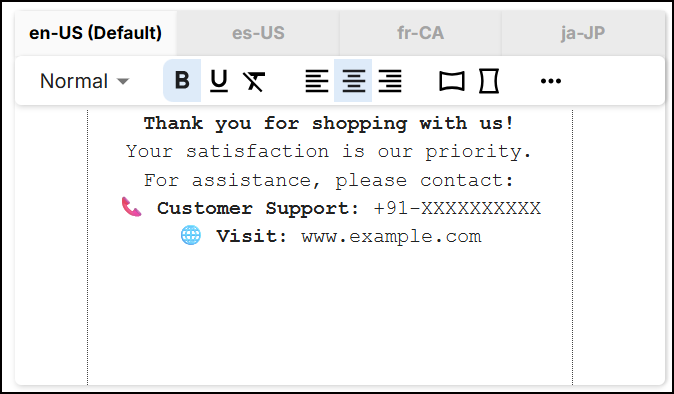
-
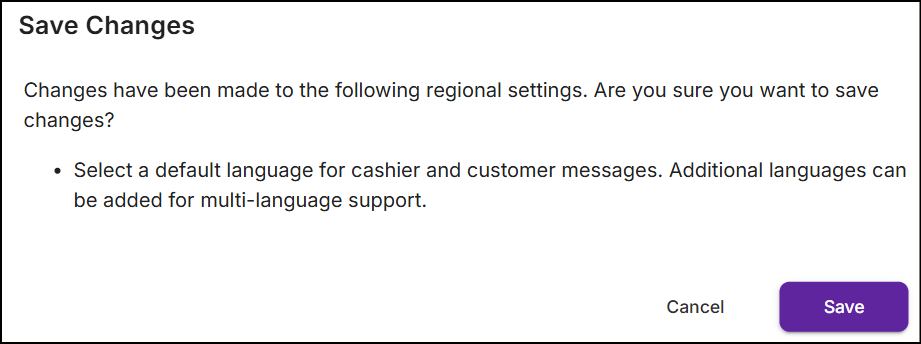
Once you configure the default and additional supported languages, click Save Changes. A confirmation popup will appear before the settings are saved:
-
Click Save. A message 'Succesfully saved regional settings.' will be displayed.
The language selections will apply to all new promotions and loyalty programs. For existing ones, the selected languages will take effect only when the promotions or loyalty programs are modified manually.
The following fields are dynamically updated based on the changes made to these settings:
- Customer Approval Message - The message displayed to customers during approval.
- Scorecard Text - Text shown in the promotion and loyalty program flow.
- Receipt Text - Text printed on customer receipts.
- Printed Message reward - Includes loyalty and offer tags printed as part of rewards.
- Cashier Message reward - Notifications or prompts shown to the cashier.
- Coupon Template (Trigger Code) - The template used for generating coupons as part of a reward.
- Loyalty Membership Benefit - The message shown to customers indicates what they could have saved or earned.
The default language is selected to serve as backup display text on the POS when the requested additional language fields are left empty in the NVL UI.